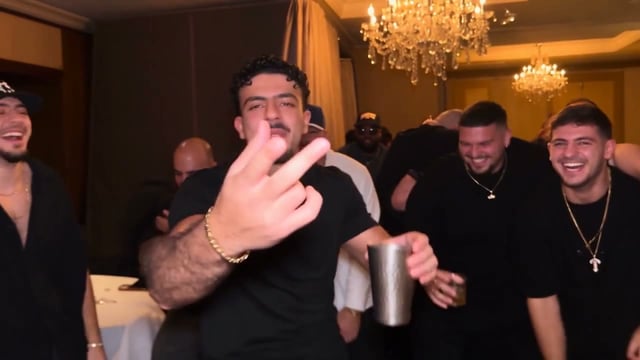
A curly-haired man in a black tee
He takes the cup, the hand to the brow and the wave.
Add one front-facing photo of whoever takes Drake's place and generate. His friends and the room stay as in the music video.
One person per photo, face clearly visible. JPG, PNG or WebP up to 10 MB.
Add one photo and take Drake's place in the real 8 seconds of the "Burning Bridges" party: the hand to the brow from the "where she at?" line, the wave with the cup, and the friends behind you covering their eyes, with the original sound. Burning Bridges AI is the trend of putting new people into this scene from Drake's music video. $9.90 makes one video, with no subscription.
Two remakes going around online. These creators also restyled the room and the friends; your video keeps the room and the crew from the music video and changes only the man with the cup.
He takes the cup, the hand to the brow and the wave.
The same moment with a wristband and a steel cup, ending on the point at the camera.
"Burning Bridges" is a song from Drake's album Iceman, released on May 15, 2026. Listeners heard it as a shot at A$AP Rocky, and one line from it, "where she at?", spread across social media within days. The gesture that goes with it, a hand over the eyes as if scanning a room, took off at the World Cup: Drake did it after Cristiano Ronaldo scored against Croatia, and Ronaldo did it himself before Portugal played Spain.
The music video came out with the album. It is a handheld party scene in a private dining room under crystal chandeliers: Drake in a black leather jacket and durag, a silver cup in hand, his friends crowding the camera behind him.
Burning Bridges AI started in late September 2026, when people began using AI video tools to put someone else in Drake's place: Shrek, Walter White, the cast of The Office, their friends, themselves. By early October the remakes had spread across TikTok and YouTube Shorts. On this site you can use only yourself or adults who agreed to be in the video.
Every way to make your own version, compared.
You, a friend or your partner, as long as they agreed to be in it.
One person, facing the camera, with the whole face visible.
Start the video and close the tab if you like. It shows up in My videos when it is ready, and stays there for 30 days to download or send as a link.
Made for anyone who just walked away from something.
They walk out of the job and straight into the party.
Their turn to walk in like they own the room.
Make it with them for their comeback.
The move, the new job, the exam you passed. Hand to the brow, looking for the doubters.
Two kinds of Burning Bridges AI videos are going around. Some apps generate a new chandelier party from a photo and a prompt; this site keeps the clip from the music video and changes who is in it.
| AI-generated party | This site (the music video clip) | |
|---|---|---|
| Starting point | A photo and a prompt | The real 8 seconds from the music video |
| The gesture | Re-created by the AI | Drake's own hand-to-brow timing |
| Room and friends | A newly generated room | The dining room and friends from the video |
| Sound | New audio or none | The sound of the original clip |
Your photo is the only thing the video learns your face from. A sharp, front-on face gives the man with the cup your look.
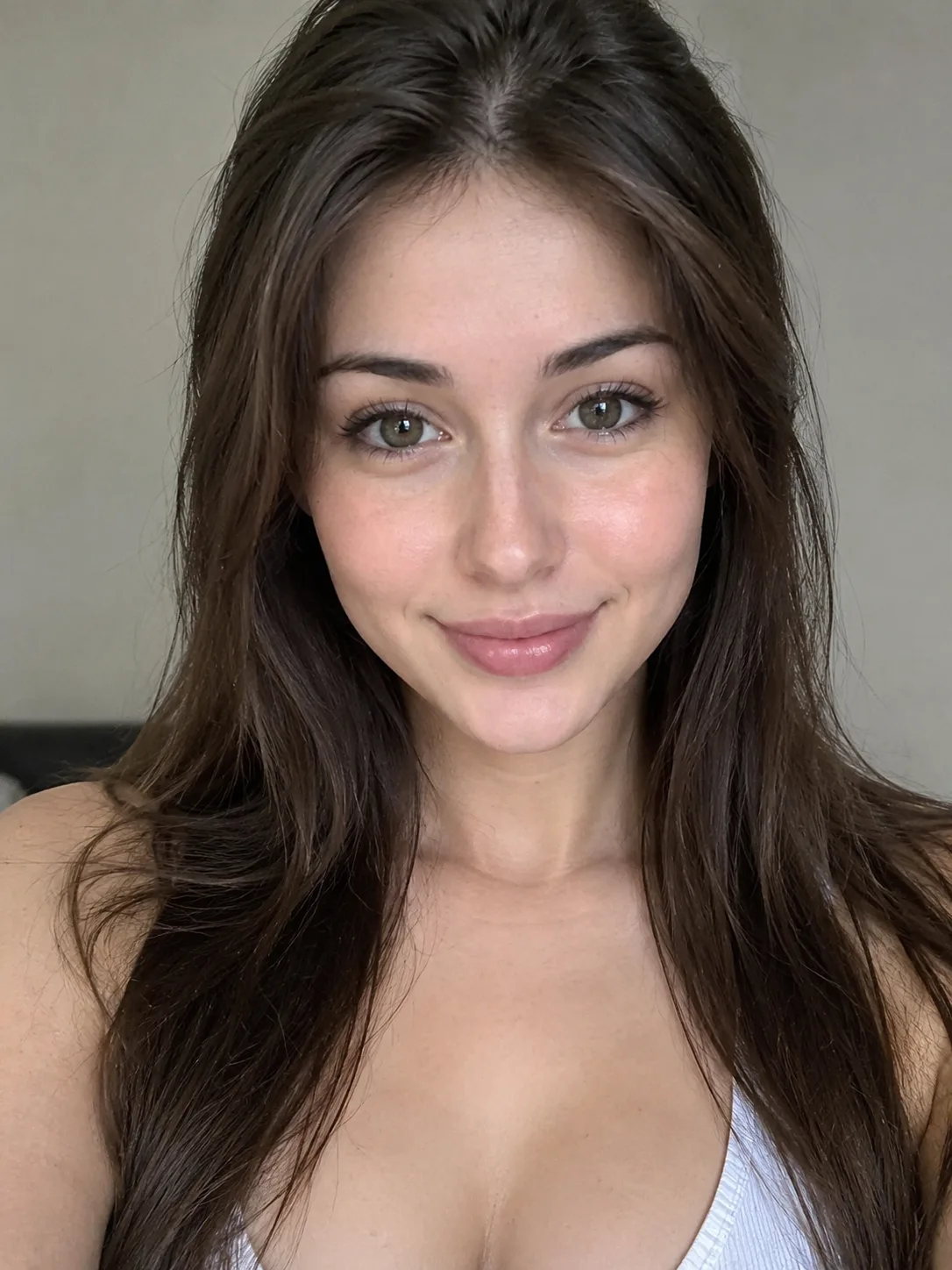 Face the camera
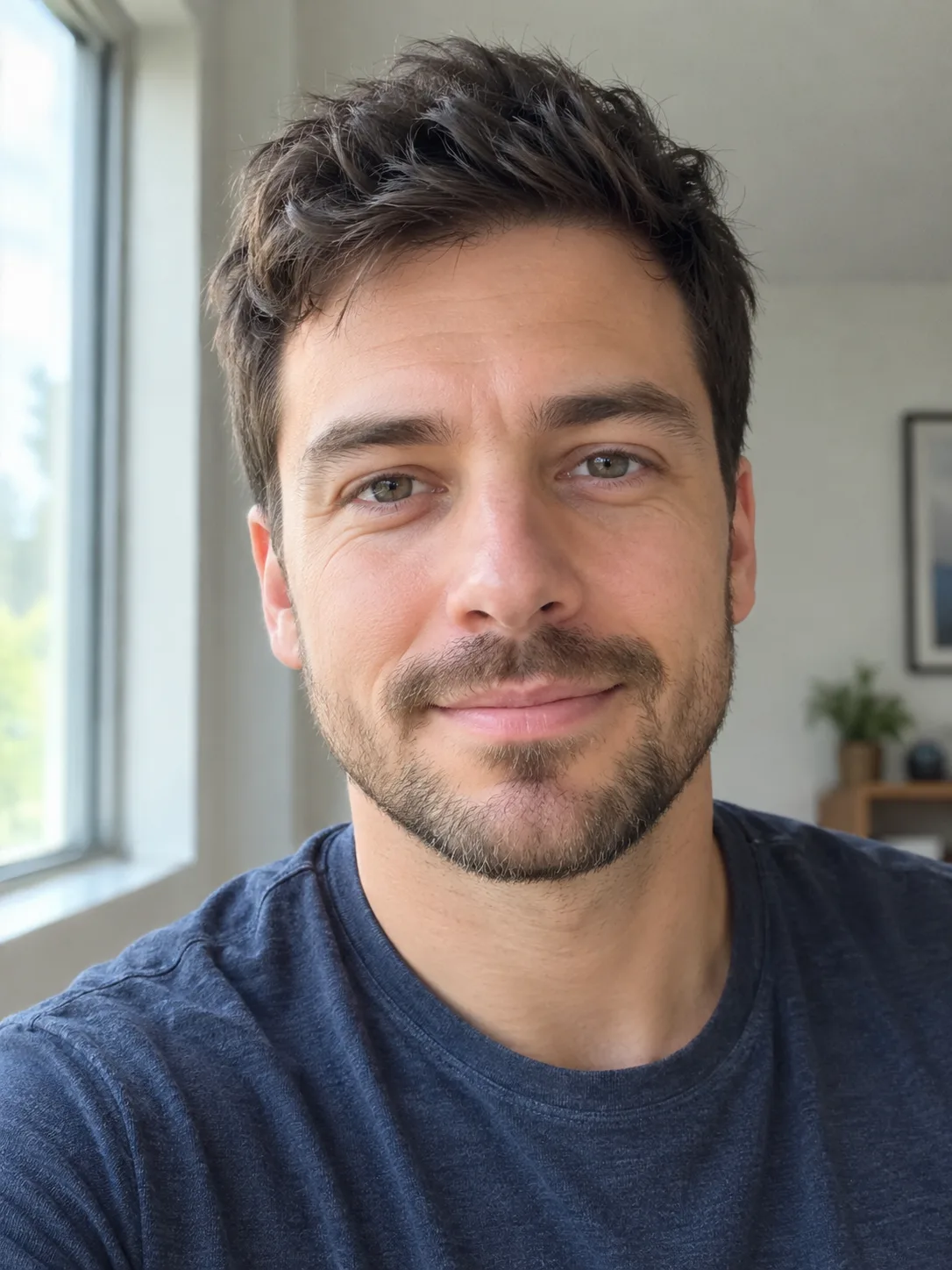 Even light
 Head and shoulders in frame
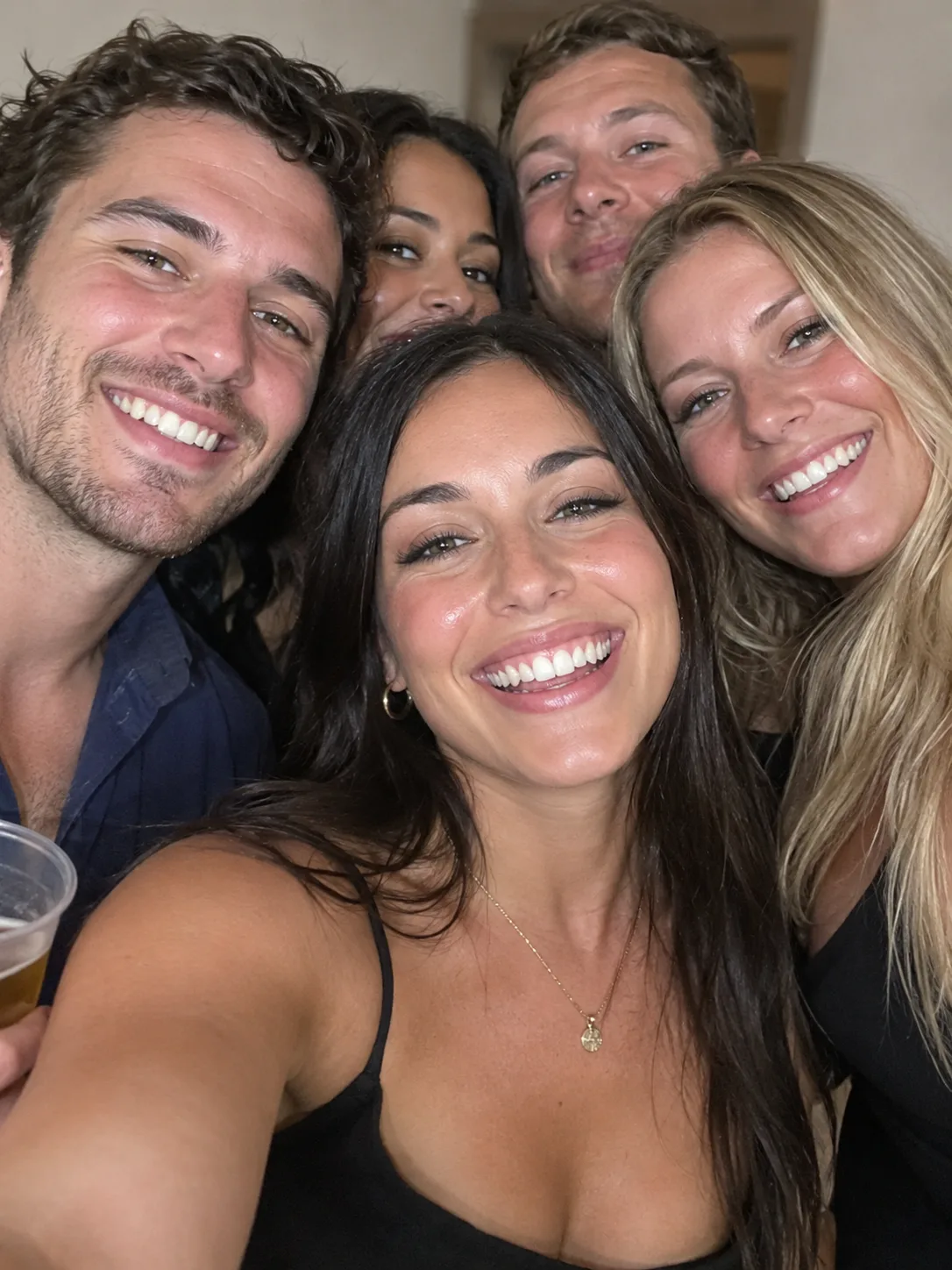 Group photos
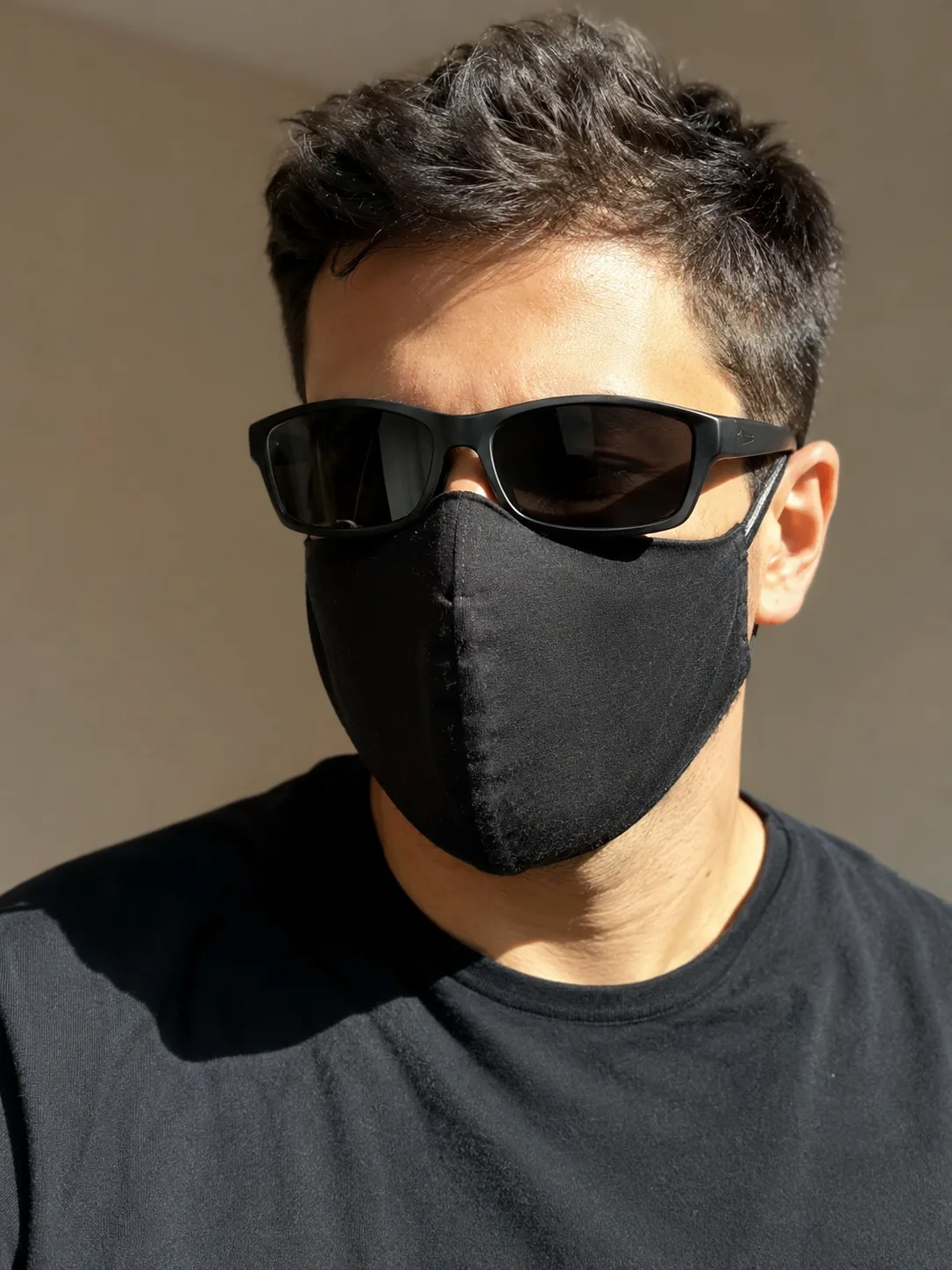 Sunglasses or masks
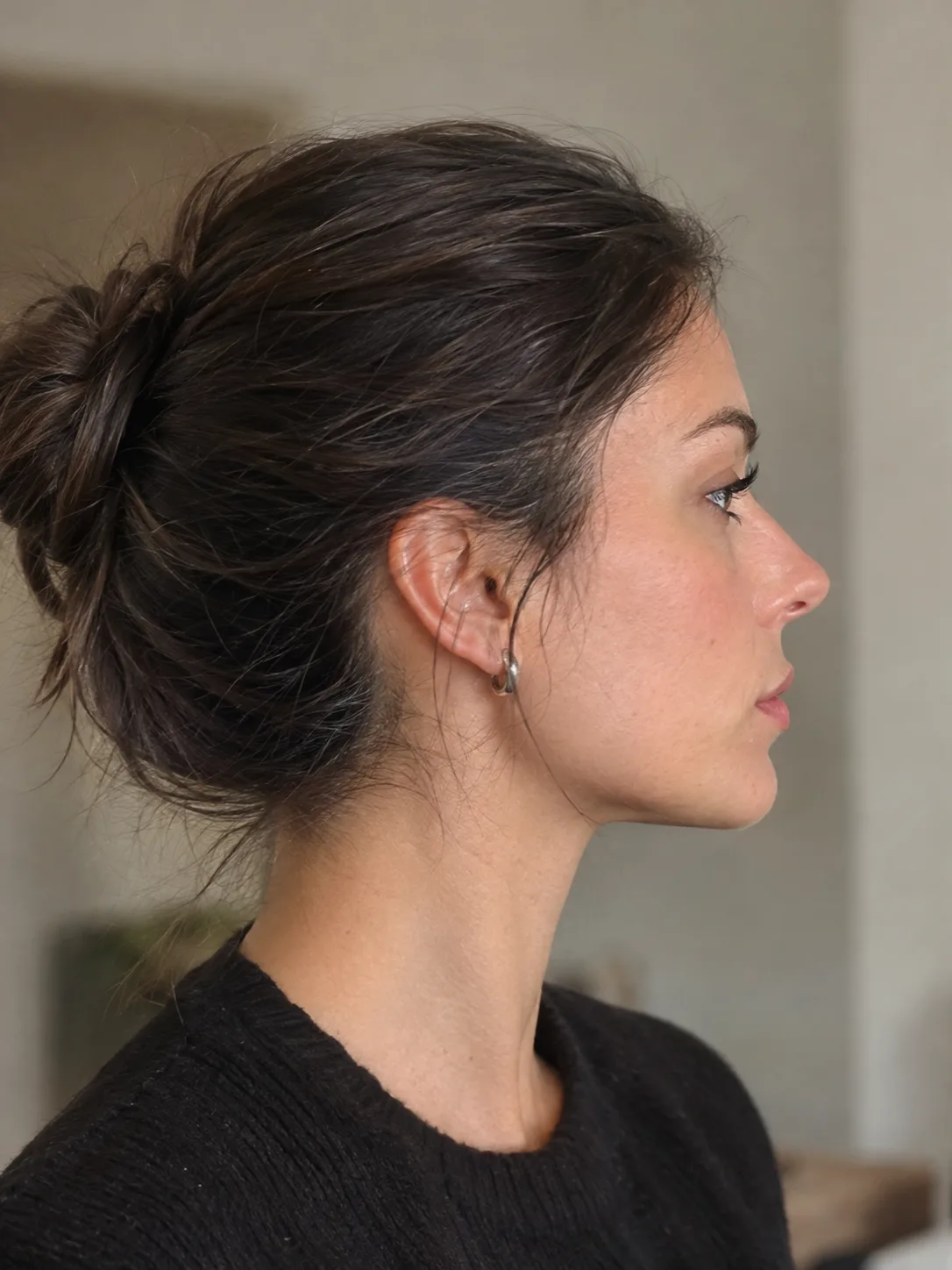 Side profile
The video is 16:9 like the music video. It fills the screen on X and YouTube; on TikTok and Reels it sits in the middle with bars.
"where she at?" plus Burning Bridges AI tells people which trend they are watching.
If an app mutes or flags the audio, pick Drake's "Burning Bridges" from its sound library instead.
So their friends see it too.
TikTok and Instagram both have an AI-generated label; switch it on when you post.
Pay once for a pack of credits, use them whenever you like. No monthly plan, and a video that fails puts its credits back.
Burning Bridges AI is the trend of putting new people into the party scene from Drake's "Burning Bridges" music video. On this site you add one photo and take Drake's place in the real clip, from the peace sign to the point at the camera.
Drake's "Burning Bridges", from his album Iceman, released in May 2026. Your MP4 keeps the sound of the original clip.
It is a line from the song, widely read as a jab at A$AP Rocky and his relationship with Rihanna. People act it out with a hand over the eyes, as if scanning a room for someone.
Yes. Drake did it at the World Cup after Cristiano Ronaldo scored against Croatia, and Ronaldo did it himself before Portugal played Spain, which took the gesture far beyond Drake's fans.
Scroll up to the generator, add one clear photo with your face toward the camera, tick the photo box and press Generate. When it finishes, download it from My videos; it is kept there for 30 days.
Only as the man with the cup. There is one role, and his friends stay as in the music video, so make one video per friend.
No. Everything runs on this page in your browser, on a phone or a computer, with nothing to install.
Each video uses 600 credits. $9.90 makes one video, $17.90 makes two, $29.90 makes four and $59.90 makes nine.
No. You pay for videos with credits from a one-time pack, with no subscription; the few credits you get at sign-up are not enough for a video. If a video fails, its credits go back to your balance.
8 seconds, from the peace sign to the point at the camera, as a 16:9 MP4.
It almost always comes down to the photo. Try one where your face is sharp, toward the camera and evenly lit, with no sunglasses, cap or second person, and generate again. A second try costs the same as a new video; only failed videos refund on their own.
No. The photo has to be you, or an adult who said yes to being in the video. Public figures and anyone under 18 are not allowed.
No. The party scene comes from the "Burning Bridges" music video, but Burning Bridges AI is a fan-made tool and is not connected to Drake, OVO Sound or Republic Records.
Only you, in My videos, unless you share its link; anyone with the link can watch it. Your video and the photo you uploaded are deleted after 30 days.